
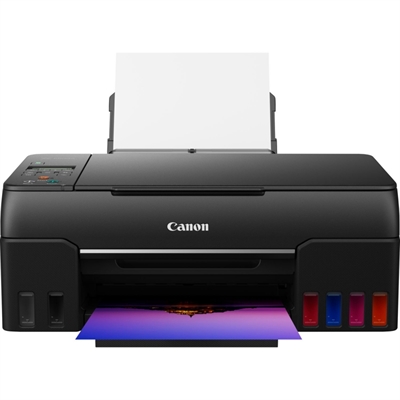
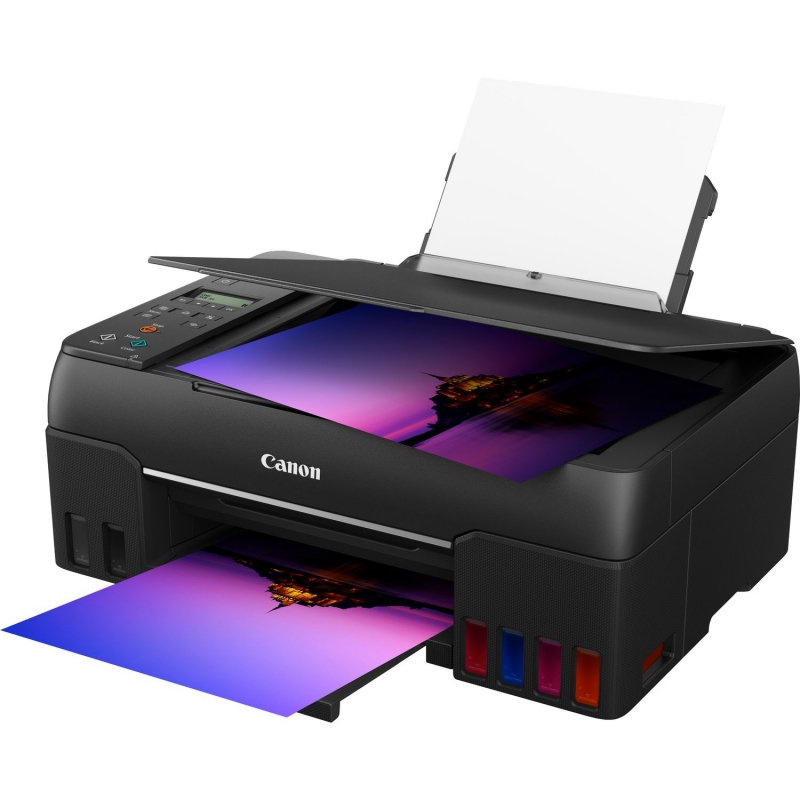
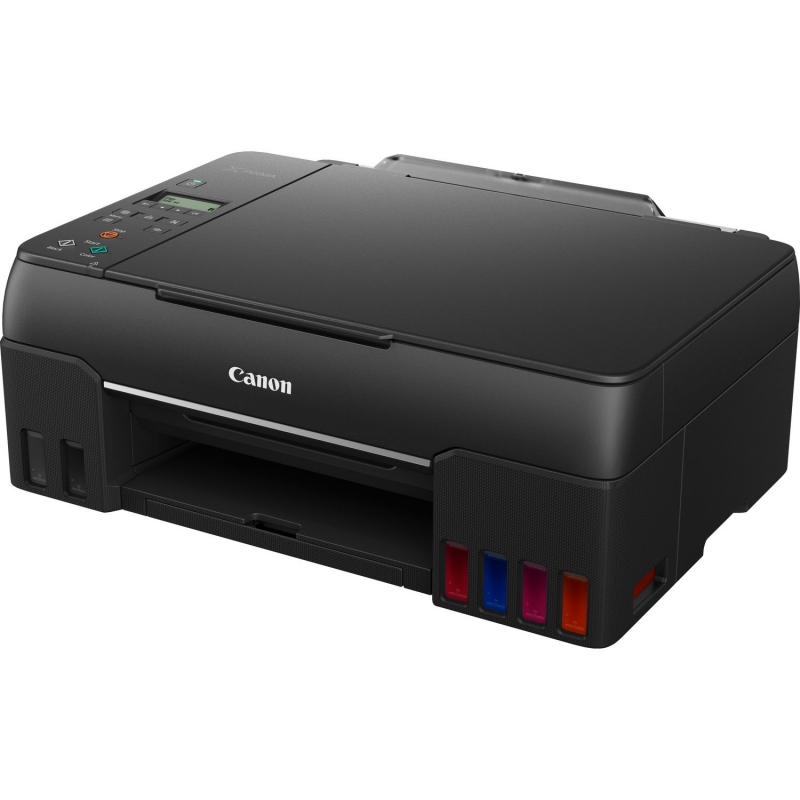
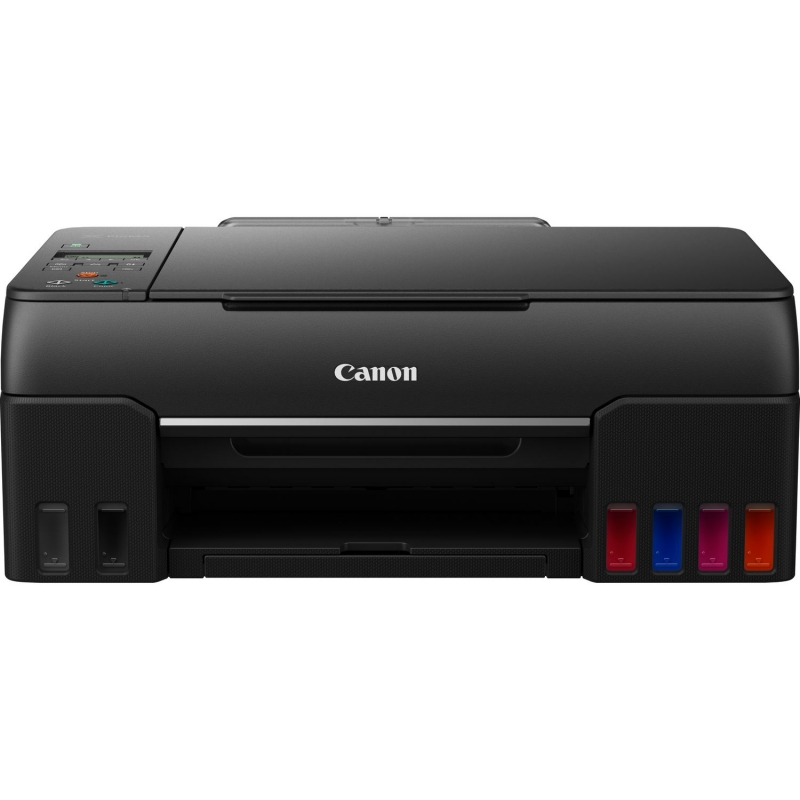
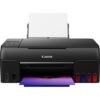
Canon Pixma G650 All-in-One Printer
236,42 €
Discover the Canon Multifunction Pixma G650: high-quality printing, scanning, and copying with a high-capacity ink system. Ideal for offices and home use, it delivers exceptional performance and professional results.
Shipping Cost & Delivery Time
The Canon Multifunction Pixma G650 is the perfect solution for those seeking a versatile and high-performance printer. With a compact and stylish design, this all-in-one printer combines printing, scanning, and copying functionalities, making it an ideal choice for both home and small office use.nnOne of the standout features of the Pixma G650 is its high-capacity ink tank system, which allows for printing thousands of pages from a single supply. This not only reduces printing costs but also minimises the frequency of ink replacement, making it more convenient and efficient. With exceptional print quality, the G650 delivers vibrant colours and sharp details, perfect for documents, photographs, and presentations.nnConnectivity is another strong point; the Canon Pixma G650 offers Wi-Fi, USB, and mobile device compatibility, allowing for easy printing from smartphones and tablets. Furthermore, its intuitive interface and LCD screen simplify daily use, making any printing task quick and straightforward.nnThe integrated high-resolution scanner enables clear digitisation of documents, while the copying function facilitates efficient reproduction of materials. Its ability to handle various paper types, from photographic to standard paper, makes it a versatile tool for all your needs.nnIn summary, the Canon Multifunction Pixma G650 is a printer that combines efficiency, quality, and versatility, ideal for those who value convenience and performance in a single device.
Specifications
| Brand | Canon |
| Model |
4620C006
|
| Printing | – Print resolution: Up to 4800 x 1200 dpi – Print technology: 2 FINE print heads (left: BK/R/GY; right: C/M/Y) Refillable ink tank printer – Black and white print speed: approx. 3.9 ipm – Color print speed: approx. 3.9 ipm – Photo print speed: 10 x 15 cm borderless: approx. 47 seconds – Borderless printing: A4, LTR, 4″ x 6″ (10 x 15 cm), 5″ x 7″ (13 x 18 cm), 7″ x 10″ (18 x 25 cm), 8″ x 10″ (20 x 25 cm), Square 5″ x 5” (127 x 127 mm), Square 3.5” x 3.5″ (89 x 89 mm), Card size 55 x 91 mm(2.17″ x 3.58″) – Duplex printing: Manual operation |
| Scanning | – Scanner type: Flatbed CIS scanner for photos and documents – Scanner resolution (optical): 600 x 1200 dpi – Scanning speed per line: Color: 3.5 ms/line (300 dpi) Grayscale: 1.5 ms/line (300 dpi) – Scanning depth (input/output) Color: RGB each 16 bits/8 bits Grayscale: 16 bits/8 bits – Maximum document size: A4/LTR |
| Copying | – Copy speed sFCOT: approx. 25 seconds sESAT: approx. 2.9 ipm – Multiple copy: 99 copies (max.) – Copy functions: Document copy, photo copy, borderless copy, two-in-one and four-in-one copy, border removal copy, ID card copy – Zoom copy 25 – 400 % (in increments of 1 %) Fit to page From A5 to A4, from B5 to A4, from A4 to A5 and from A4 to B5 |
| Interface | – Full dot matrix LCD (black and white) |
| Connectivity | – Standard interface High-speed USB (USB B port) Wi-Fi: IEEE802.11 b/g/n Wi-Fi Security: WPA-PSK, WPA2-PSK, WEP, administration password Wireless LAN frequency band: 2.4 GHz Wi-Fi PictBridge – Mobile apps Canon PRINT Inkjet/SELPHY app Creative Park app Easy-PhotoPrint Editor app – Printer functions Easy-PhotoPrint Editor software PIXMA Cloud Link (printing only from smartphones or tablets) Canon Print Service add-on (Android) Apple AirPrint Wireless Direct Mopria (Android) – Smart assistant and automation help Amazon Alexa™ Google Assistant™ |
|
Paper Handling
|
– Paper types Plain paper Pro Luster Photo Paper (LU-101), Glossy II Photo Paper (PP-201) Matte Photo Paper (MP-101), “Everyday Use” Glossy Photo Paper (GP-501) High Resolution Paper (HR-101N), Plus Semi-Gloss Photo Paper (SG-201), Premium Fine Art Rough Adhesive Photo Paper (RP-101) Magnetic Photo Paper (MG-101) Dark Fabric Transfer Paper (DF-101), Light Fabric Transfer Paper (LF-101), Double-sided Matte Paper (MP-101D) Greeting Card (made by Avery and RedRiverPaper) Cardstock (made by Neenah Paper and INKPRESS) Canon Red Label Superior (WOP111) Canon Oce Office Colour Paper (SAT213) – Maximum paper input: Rear tray 64–105 g/m² or compatible Canon original paper – Paper sizes A4, A5, B5, A6, LTR, LGL, 4″ x 6″ (10 x 15 cm), 5″ x 7″ (13 x 18 cm), 7″ x 10″ (18 x 25 cm), 8″ x 10″ (20 x 25 cm), Square 5” x 5″ (127 x 127 mm), Square 3.5” x 3.5″ (89 x 89 mm), Card size 55 x 91 mm (2.17” x 3.58”) Envelopes (DL, COM10, C5, Monarch) Width 55–216 mm; length 89–1200 mm – Paper weight: Rear tray: plain paper 64–105 g/m² or compatible Canon original paper |
| General | – Weight: approx. 6.6 kg – Dimensions (W x D x H) Approx. 445 x 340 x 167 mm (trays retracted) Approx. 445 x 555 x 238 mm (trays extended) – Noise levels: approx. 50.5 dB (A) – Recommended operating environment: Temperature: 5-35 °C; Humidity: 10-90 % RH (no condensation) – Power supply: AC 100-240 V, 50/60 Hz – Power consumption Off: approx. 0.2 W Standby (USB connection to PC): approx. 0.6 W Standby (all ports connected): approx. 1.2 W Time to enter standby mode: 11 minutes 4 seconds Copy: approx. 16 W – Typical power consumption: 0.18 kWh Consumables and Yields – Standard ink bottles GI-53 GI-53 GI-53 GI-53 GI-53 GI-53 – Maintenance cartridge: MC-G02 (user replaceable) – Bottle yield (plain paper) Color document printing A4 Black: 3700 pages Color: 8000 pages – Bottle yield (photo paper) Color 10 x 15 cm photo printing Color: 3800 photographs |
| Review Date | 28-12-2021 by MSB |
Additional information
| Weight | 9,52 kg |
|---|---|
| Dimensions | 0,52 × 0,49 × 0,25 cm |

Reviews
There are no reviews yet.