
Canon Multifunction Pixma TR4756i WH
68,61 €
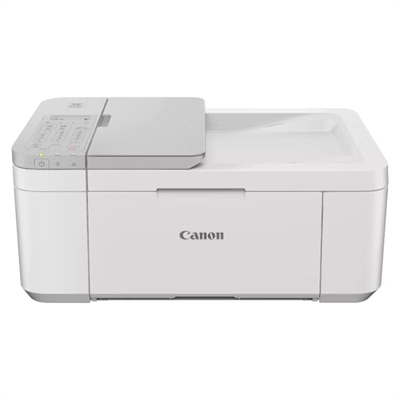
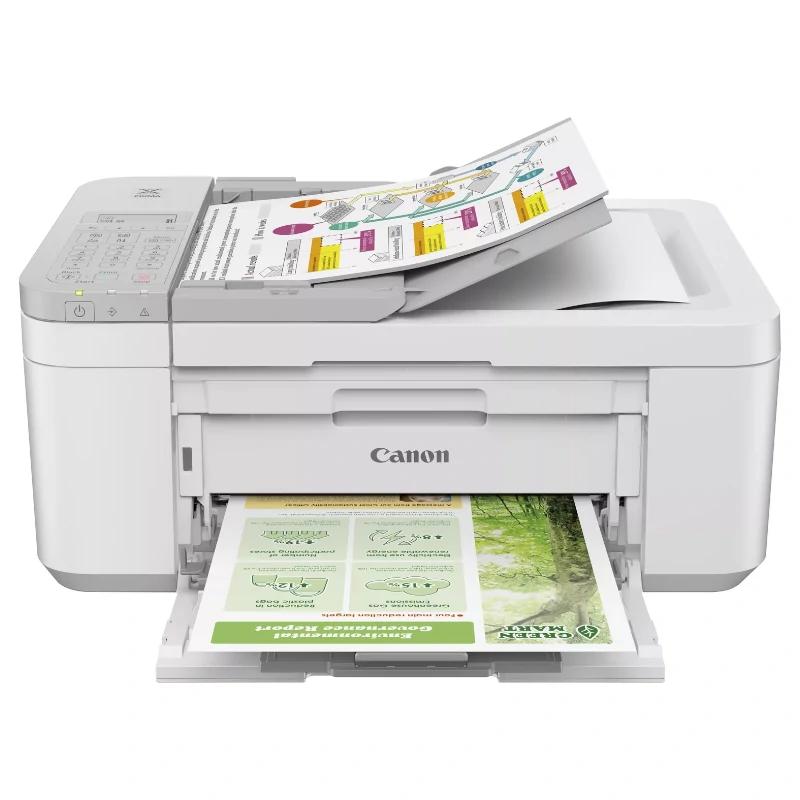
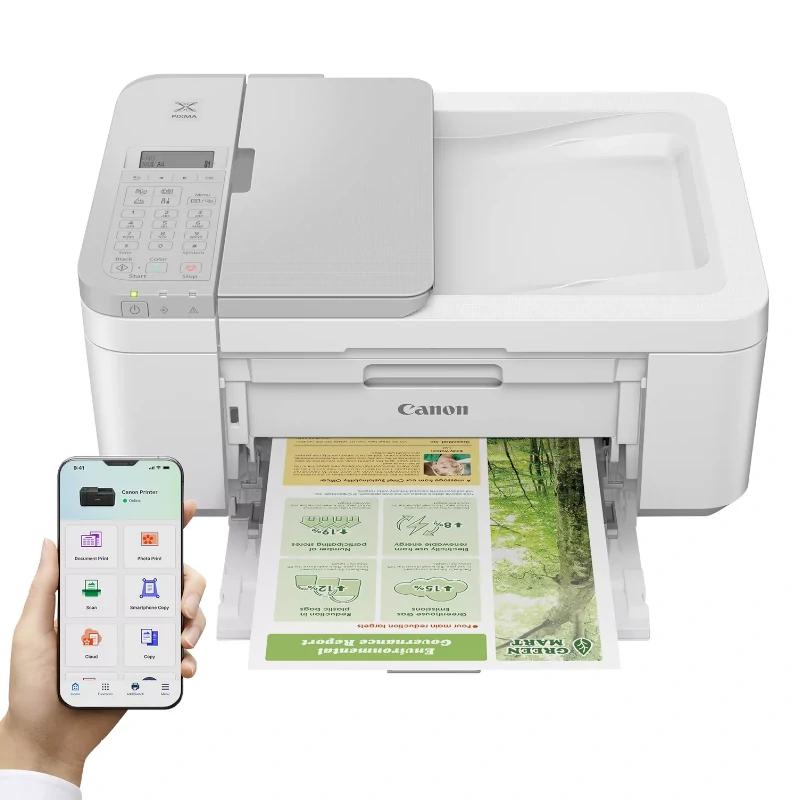
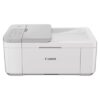
The Canon Multifunction Pixma TR4756i WH offers high-quality printing, scanning, and copying. Compact and efficient, it is ideal for home or office use, with wireless connectivity and easy handling.
Shipping Cost & Delivery Time
The Canon Multifunction Pixma TR4756i WH is the perfect solution for those seeking a versatile and efficient device for home or office use. This multifunction printer combines printing, scanning, copying, and faxing in a single unit, optimising space and increasing productivity.nnWith a sleek and compact design in white, the TR4756i fits perfectly into any environment. Its 2.5-inch touchscreen makes navigating through the various functions easy, allowing tasks to be completed intuitively. Additionally, it features Wi-Fi connectivity, enabling wireless printing from mobile devices, laptops, and tablets, thanks to compatibility with apps such as Canon PRINT, Apple AirPrint, and Google Cloud Print.nnThe print quality is exceptional, with a resolution of up to 4800 x 1200 dpi, delivering sharp text and vibrant graphics. Thanks to its FINE ink system, colours are reproduced accurately, making it ideal for professional documents and printed photos. The TR4756i is also cost-efficient, as it uses high-yield ink cartridges that allow for more pages to be printed at a lower cost.nnMoreover, its double-sided scanning and copying function helps save paper and time, making administrative tasks quicker and more eco-friendly. With a printing speed of up to 13 ppm in black and white and 8 ppm in colour, you will never have to wait too long for your documents.nnIn summary, the Canon Multifunction Pixma TR4756i WH is a reliable and comprehensive option for those looking for a device that offers quality, efficiency, and versatility all in one place.
Specifications
| Brand | Canon |
| Model | 5074C046 |
| Functions | – Wi-Fi, printing, copying, scanning, faxing, and cloud |
| Printing Specifications | Print Resolution – Up to 4800 x 1200 dpi Print Technology – 2 x FINE cartridges (black and color) Black and White Print Speed – Approx. 8.8 ipm Color Print Speed – Approx. 4.4 ipm Photo Print Speed – 10 x 15 cm borderless: approx. 65 seconds First Print Out Time – Black and white: 11 s (ready/one side) – Color: 19 s (ready/one side) Borderless Printing – A4, LTR, 10 x 15 cm [4″ x 6″], 13 x 18 cm [5″ x 7″], 20 x 25 cm [8″ x 10″] Duplex Printing – Automatic double-sided printing (A4, Letter: plain paper) |
| Paper Compatibility | Paper Types – Plain paper – Pro Platinum Photo Paper (PT-101) – Pro Luster Photo Paper (LU-101) – Glossy II Photo Paper (PP-201) – Matte Photo Paper (MP-101) – Glossy Photo Paper “Everyday Use” (GP-501) – High Resolution Paper (HR-101N) – Envelopes – Semi-Gloss Plus Photo Paper (SG-201), – Canon Red Label Superior (WOP111) – Canon Oce Office Colour Paper (SAT213) – Adhesive Photo Paper (RP-101) – Magnetic Photo Paper (MG-101) – Greeting Card (made by Avery and RedRiverPaper) Maximum Paper Input – Front tray: max. 100 sheets (plain paper) or 20 sheets (photo paper) – ADF: A4, LTR: 20 sheets, LGL: 5 sheets *Refer to the online manual for a detailed list of paper load limits, which will vary depending on the media type and selected page size. Paper Sizes – Front tray: A4, A5, A6, B5, LTR, LGL, 10 x 15 cm (4″ x 6″), 13 x 18 cm (5″ x 7″), 20 x 25 cm (8″ x 10″), Envelopes (DL, COM10) – Custom sizes: width from 101.6 mm to 215.9 mm; length from 152.4 mm to 676 mm – ADF: A4, LTR, LGL Paper Weight – Front tray: plain paper: 64 g/m2 – 105 g/m2 or compatible Canon original paper – Canon Paper: approx. max weight of 300 g/m2 – Platinum Pro Photo Paper PT-101 |
| Scanner Specifications | Scanner Type – Flatbed scanner (ADF/Copy glass) and color CIS Scanning Speed – Double-sided. (to be determined) ipm in color – Double-sided. (to be determined) ipm in black – Single-sided. (to be determined) ipm in color – Single-sided. (to be determined) ipm in black Scanner Resolution (optical) – 600 x 1200 dpi Scanning Speed per Line – Color: 3.5 ms/line (300 dpi) – Grayscale: 1.5 ms/line (300 dpi) Scanning Depth (input/output) – Color: RGB each 16 bits/8 bits – Grayscale: 16 bits/8 bits Maximum Document Size – Flatbed: A4/Letter (216 x 297 mm) – ADF: A4/Letter/Legal (216 x 356 mm) |
| Copier Specifications | Copy Speed – ADF ESAT/one-sided (color): approx. 2.7 ipm – ADF ESAT/one-sided (black): approx. 6.4 ipm Copy Quality – 3 settings (draft, standard, high) Intensity Adjustment – 9 levels (automatic adjustment available, AE copy) Multiple Copies – 99 copies (max.) Copy Functions – Document copy, double-sided copy, 2-in-1 copy, 4-in-1 copy, collated copy (ADF only), borderless copy (flatbed only), ID card copy Zoom Copy – From 25 to 400 % – Fit to page – From A5 to A4, from B5 to A4, from A4 to A5 and from A4 to B5 |
| Fax Specifications | Fax Type – Super G3 / Color Fax Resolution – Black and white: 8 pixels/mm x 3.85 lines/mm (standard) – 8 pixels/mm x 7.7 lines/mm (Fine) – 300 x 300 dpi (extra fine) – Color: 200 x 200 dpi Fax Speed – Black and white: approx. 3 seconds – Color: approx. 1 min Modem Speed – 33.6 kbps maximum (automatic fallback) Print Size – A4, LTR, LGL Fax Memory – Approx. 50 pages Speed Dial – Coded speed dialing: max. 20 locations – Group dialing: max. 19 locations |
| Connectivity |
Standard Interface
– High-speed USB (B port) – Wi-Fi: IEEE802.11 b/g/n/ – Wi-Fi Security: WPA-PSK, WPA2-PSK, WEP, admin password – Wireless LAN frequency band: 2.4 GHz Mobile Applications – Canon PRINT App – Easy-PhotoPrint Editor App Printer Functions – Easy-PhotoPrint Editor Software – Easy Layout Editor Software (Windows only) – Canon Inkjet Smart Connect Software – Creative Park App – Cloud Link – Canon Print Service Plugin (Android) – Apple AirPrint – Wireless Direct – Mopria (Android) Smart Assistant and Automation Help – Amazon Alexa – Google Assistant |
| Software | Compatible Operating Systems – Windows 11, Windows 10, Windows 8.1, Windows 7 SP1 – Operation is guaranteed only on a PC with Windows 7 or later installed. – Screen environment: XGA 1024 x 768 or higher – Mac: OS X 10.15.7 ? macOS 14 – Chrome OS – Mobile operating systems: iOS, iPadOS, Android30 *Operating system compatibility confirmed at launch; check the Canon Download Center to confirm this product’s compatibility with later released operating systems. Minimum System Requirements – Windows: 1.5 GB or more * For the installation of the included software. The amount of hard disk space required. Included Software – Printer driver – IJ Printer Assistant Tool – Easy-PhotoPrint Editor (download) |
| Cartridges and Yields | Standard Ink Cartridges – PG-575, PG-575XL (black) – CL-576, CL-576XL (color) Cartridge Yield (plain paper) – Color document printing A4 – Black: 100 pages – Black XL: 400 pages – Color: 100 pages – Color XL: 300 pages |
| Other Features | Screen Type and Size – Full dot matrix LCD (black and white) Noise Levels – Approx. 56.5 dB (A) 31 Recommended Operating Environment – 5-35 °C – 10-90 % RH (non-condensing) Power Supply – 100-240 V AC at 50/60 Hz Cycle Duty – Up to 1200 pages/month Power Consumption – Off: approx. 0.3 W in standby (USB connection to PC): approx. 0.8 W – In standby (all ports connected): approx. 1.4 W – Time to enter standby mode: 10 minutes, 6 seconds – Copying: approx. 7 W 32 *The time to enter standby mode cannot be modified (Lot26) Typical Power Consumption – 0.21 kWh Dimensions – Approx. 435 x 295 x 189 |
| Review Date | 08-11-2024 by RTY |
Additional information
| Weight | 9,0 kg |
|---|---|
| Dimensions | 55,0 × 37,0 × 26,0 cm |
Reviews
There are no reviews yet.